Bakery#15Studio
Multi-piece
Modular kit
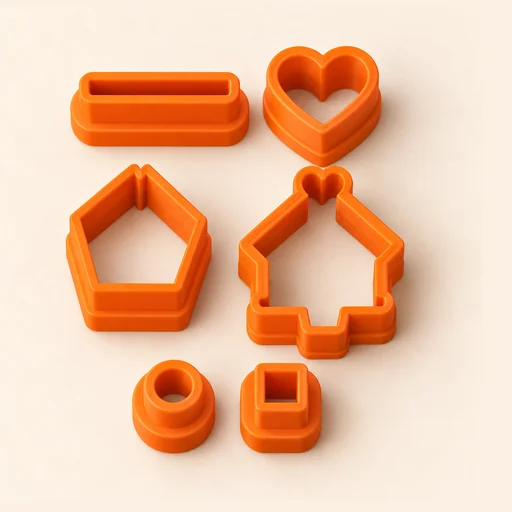
Split your drawing into parts and get one cutter for each: the pieces fit together like a puzzle.
Designing and previewing in 3D is free for every tool. A plan is only needed to download the ones marked Pro or Studio. See plans
Step by step
How it works
Step by step, to the finished piece
Upload a drawing with clearly separated areas.
Open "Organize pieces" and choose which areas become a cutter.
Download and print: each cutter comes out separately on the plate.
Cut each area from a different colour of dough and assemble the figure.
What to watch out for
- Very small areas make fragile cutters: turn them off or enlarge the design.
- Bake the parts already joined so they fuse together.
What you need
Materials and tools
- A filament (FDM) 3D printer
- PETG filament, the one recommended for food contact
- Doughs in different colours, rolled to the same thickness
- A rolling pin with thickness guides (optional)
Bakery: other tools
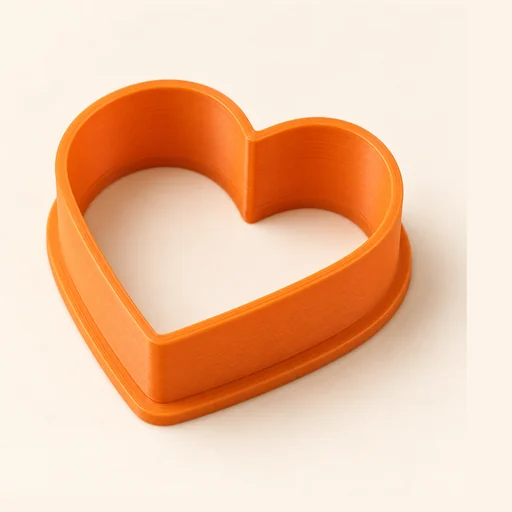 Cutter
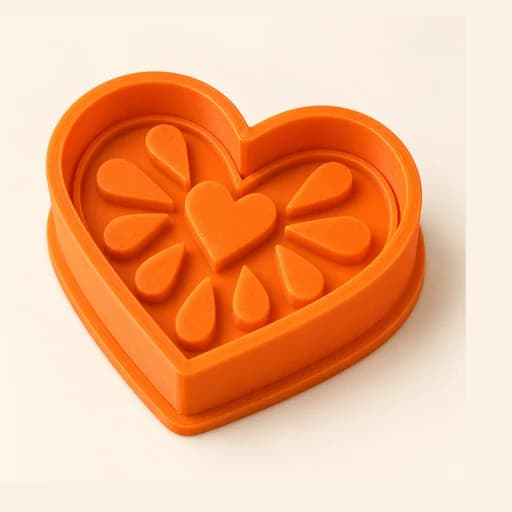 Cutter + Stamp
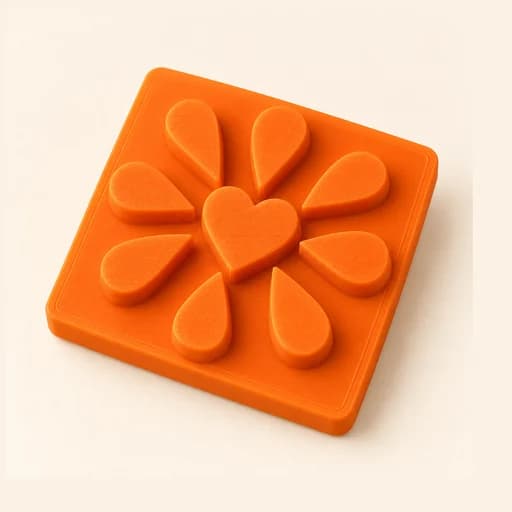 Embosser
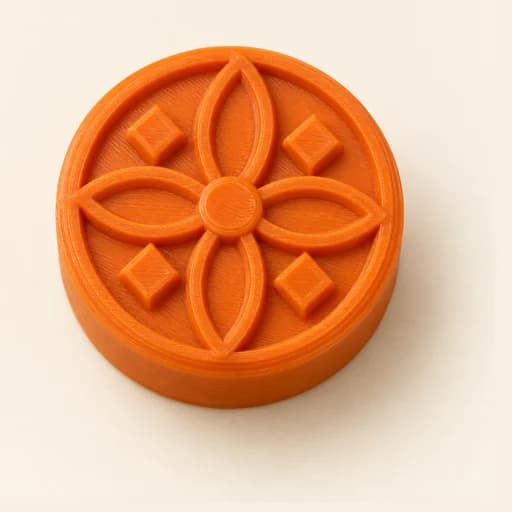 Stamp
Stamp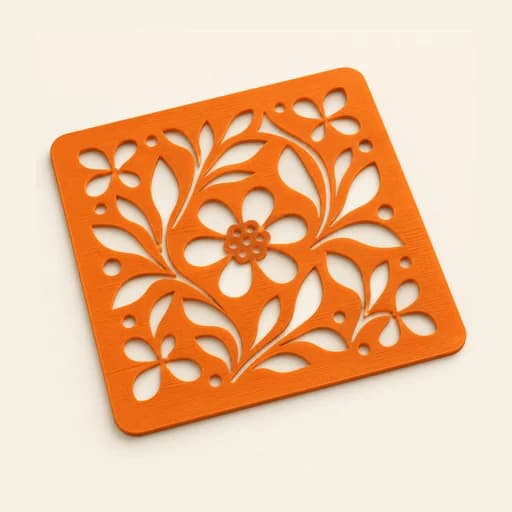 Stencil
 Cake Topper
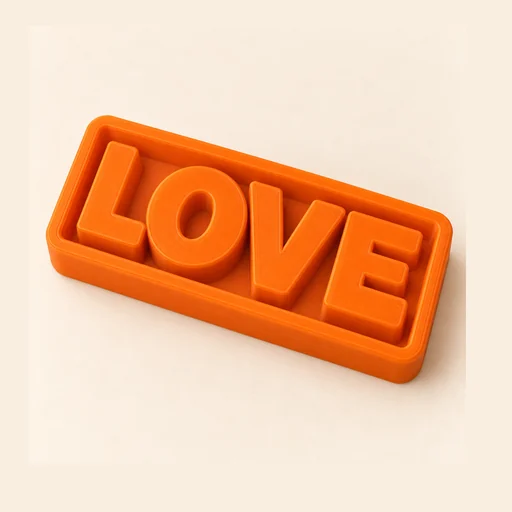 Word Mold
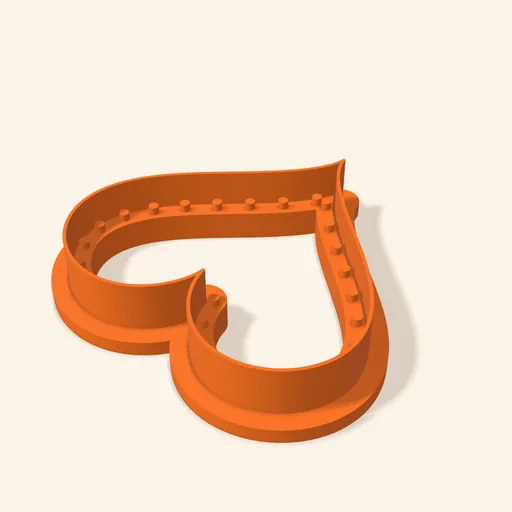 Sandwich
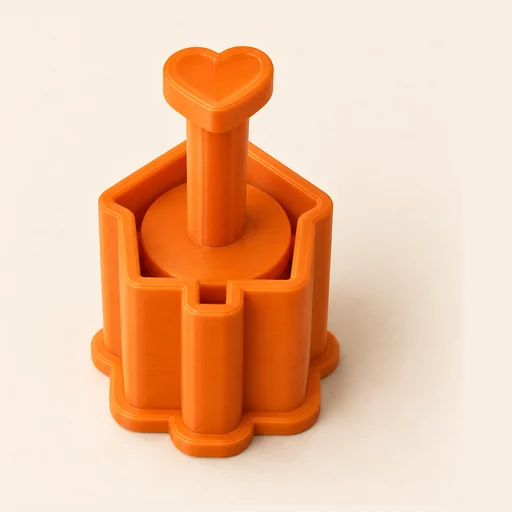 EjectorPro
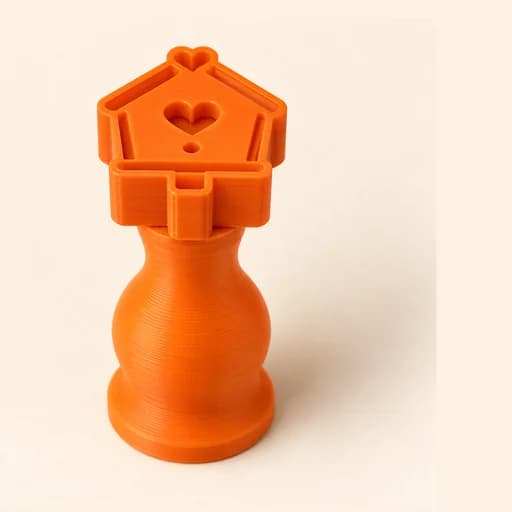 Truffle MoldPro
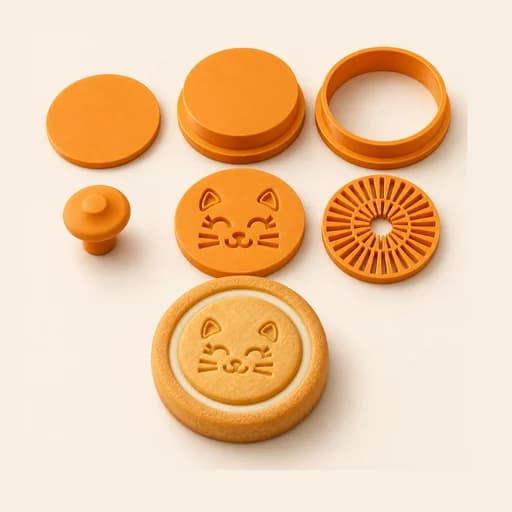 Filled KitPro
 Size setPro
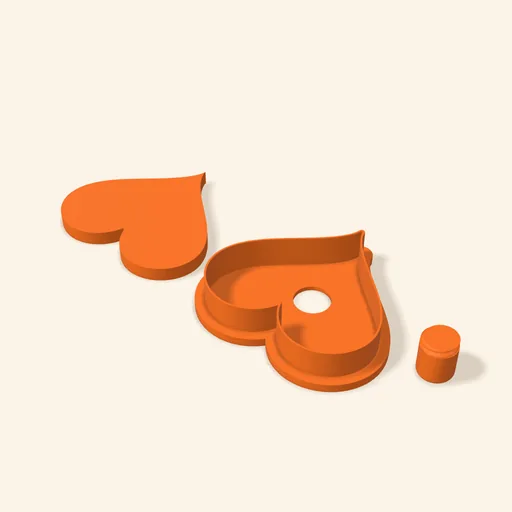 Cake Pop MoldPro
 Dough thickness stripsPro
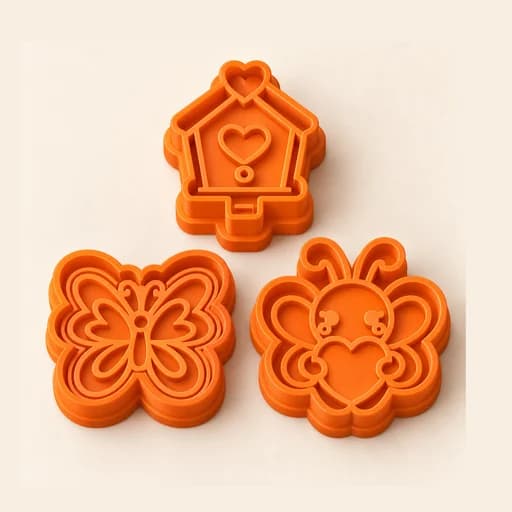 Multi-cutterStudio
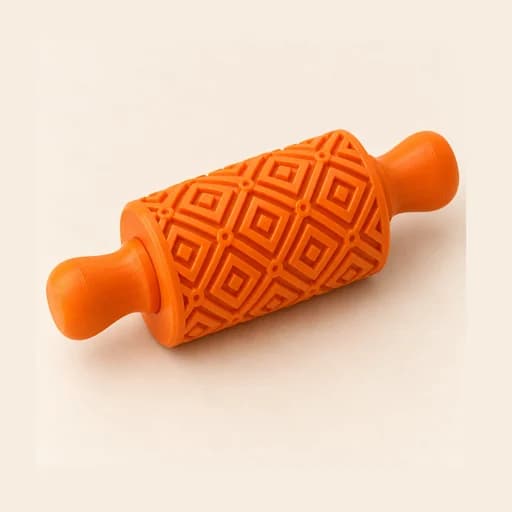 Texture RollerStudio
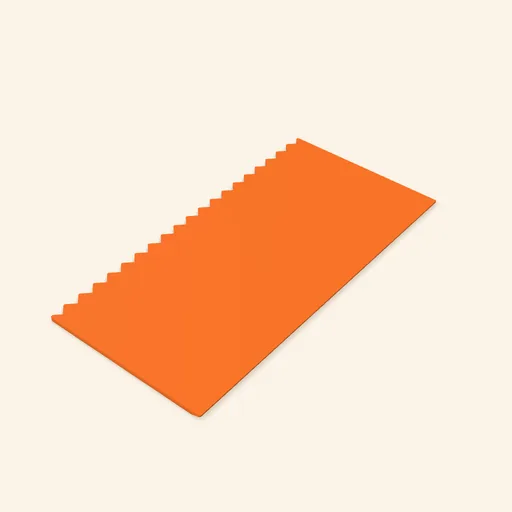 Cake scraperStudio
Multi-piece
Split your drawing into parts and get one cutter for each: the pieces fit together like a puzzle.
Open in the designer