Bakery#09Pro
Ejector
Push-out plunger
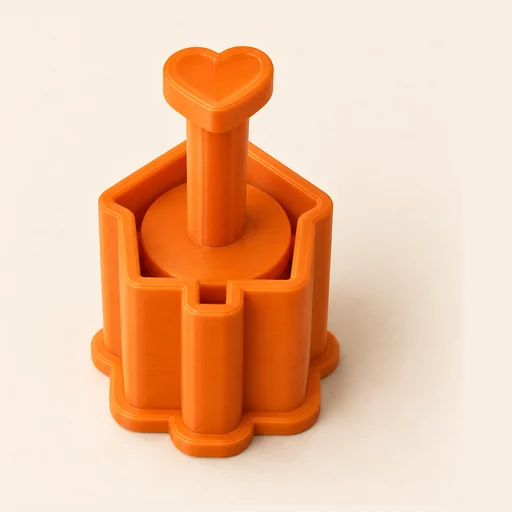
A cutter with a plunger: it cuts, stamps and pushes the piece out without squashing it.
Designing and previewing in 3D is free for every tool. A plan is only needed to download the ones marked Pro or Studio. See plans
Step by step
How it works
Step by step, to the finished piece
Upload the drawing that goes on the plunger.
Adjust the height and the clearance between cup and plunger.
Download and print the three pieces: the cup, the plunger and the grip, which screws onto the plunger.
Cut the dough with the cup, then push the plunger to stamp and release.
What to watch out for
- If the plunger fits too tightly, increase the clearance: every printer prints a bit differently.
- Lightly sand the inside of the cup so the plunger slides smoothly.
What you need
Materials and tools
- A filament (FDM) 3D printer
- PETG filament, the one recommended for food contact
- Fondant, dough or brigadeiro paste
- Fine wet-and-dry sandpaper, 400 grit
Bakery: other tools
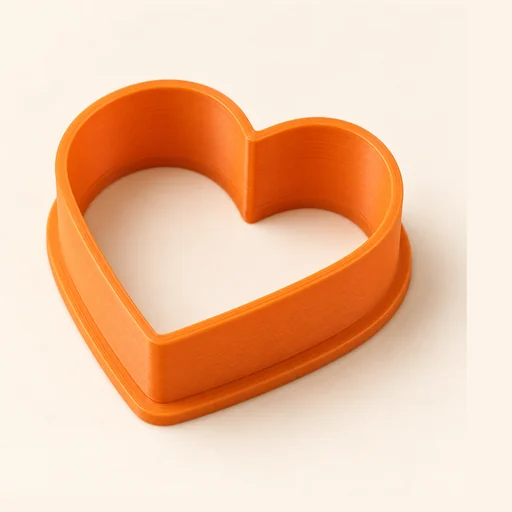 Cutter
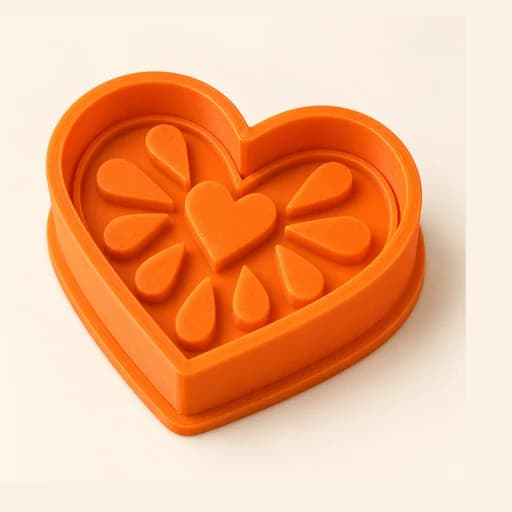 Cutter + Stamp
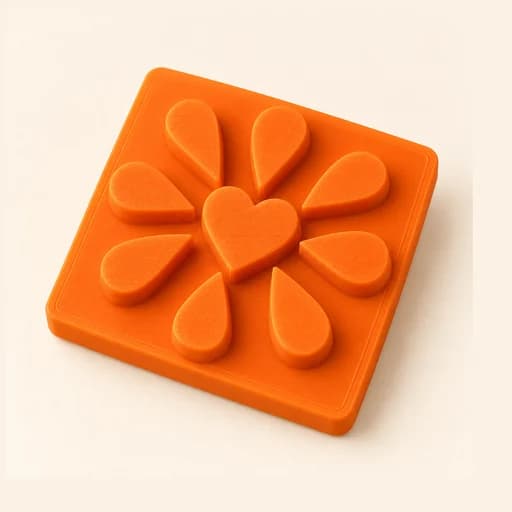 Embosser
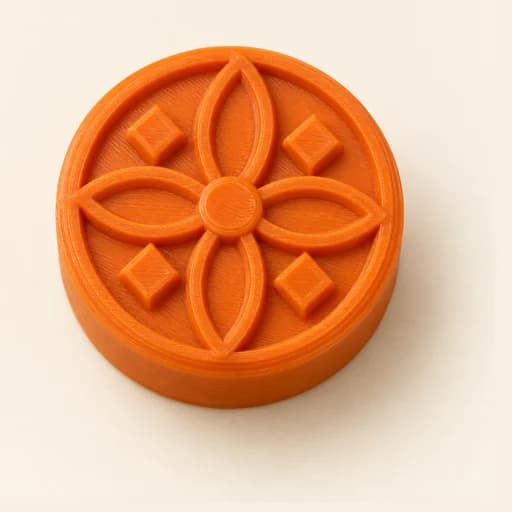 Stamp
Stamp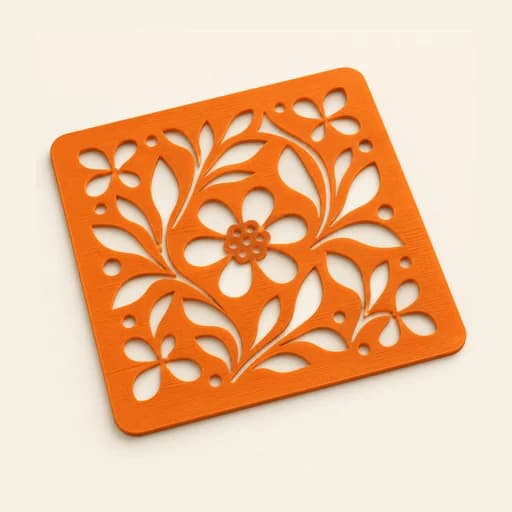 Stencil
 Cake Topper
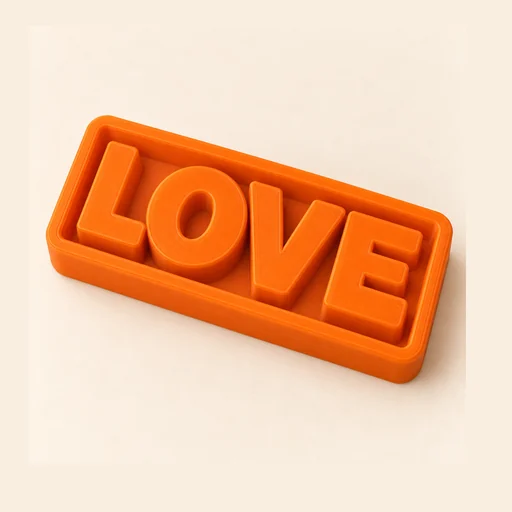 Word Mold
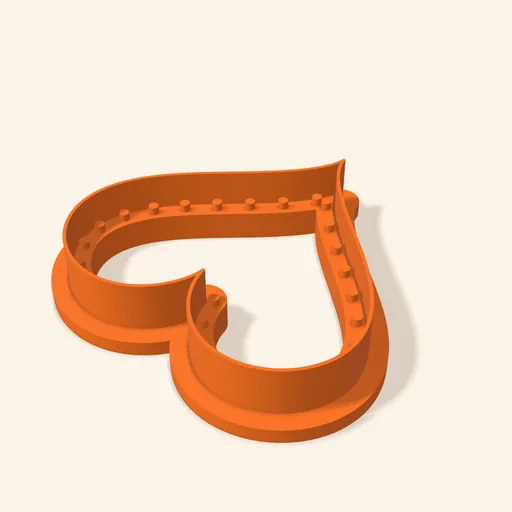 Sandwich
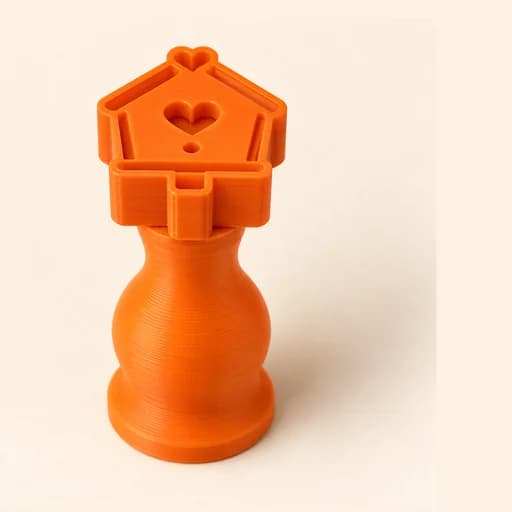 Truffle MoldPro
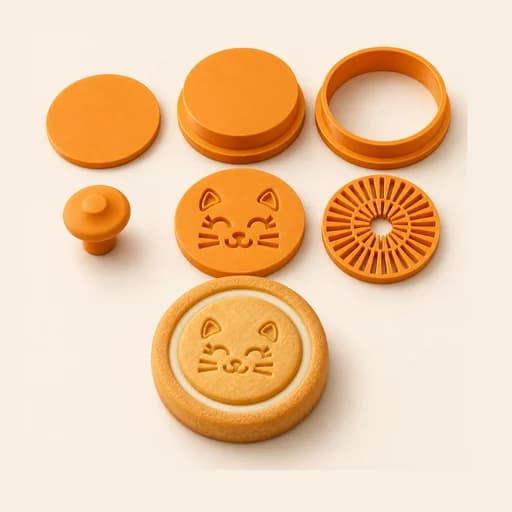 Filled KitPro
 Size setPro
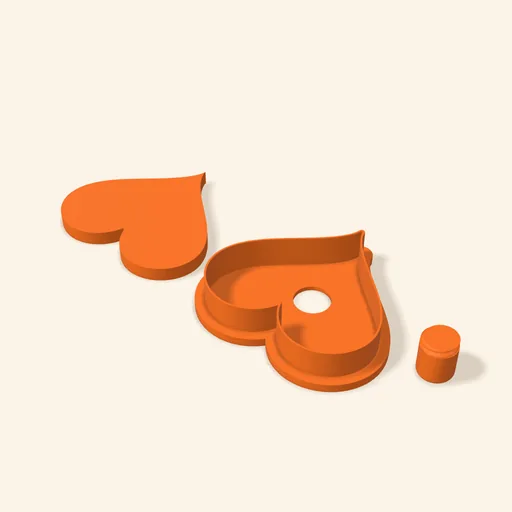 Cake Pop MoldPro
 Dough thickness stripsPro
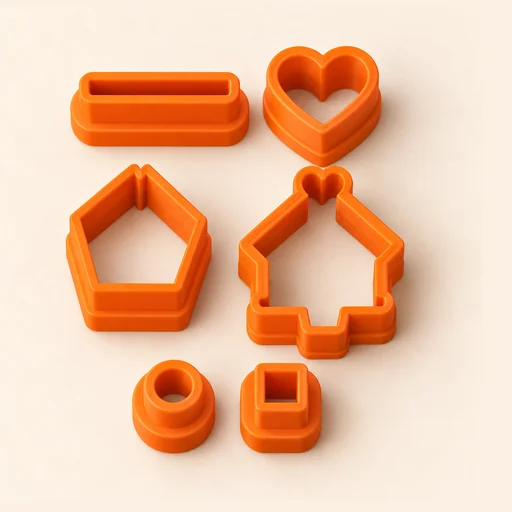 Multi-pieceStudio
 Multi-cutterStudio
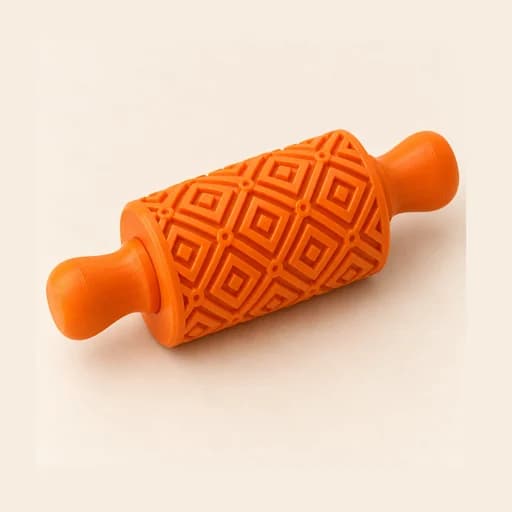 Texture RollerStudio
 Cake scraperStudio
Ejector
A cutter with a plunger: it cuts, stamps and pushes the piece out without squashing it.
Open in the designer