Bakery#02Free
Cutter + Stamp
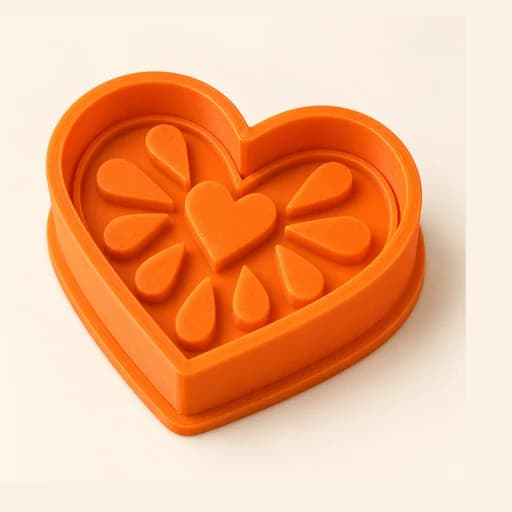
Cuts and prints detail
Cut the cookie and imprint the details of your drawing with a single piece.
Step by step
How it works
Step by step, to the finished piece
Upload a drawing with details inside: eyes, letters, lines.
Set the size and how deep the design marks; under “Volume” you can tap the areas that should come out puffed on the cookie.
Download the STL and print it with a fine layer height so the relief comes out crisp.
Press all the way down: the edge cuts the outline and the relief imprints the drawing.
What to watch out for
- Lines thinner than 1 mm barely show: use bold strokes.
- Chill the dough or flour it so it doesn't stick to the relief.
What you need
Materials and tools
- A filament (FDM) 3D printer
- PETG filament, the one recommended for food contact
- A dough that doesn't spread when baked, or fondant
- A rolling pin and flour for dusting
Bakery: other tools
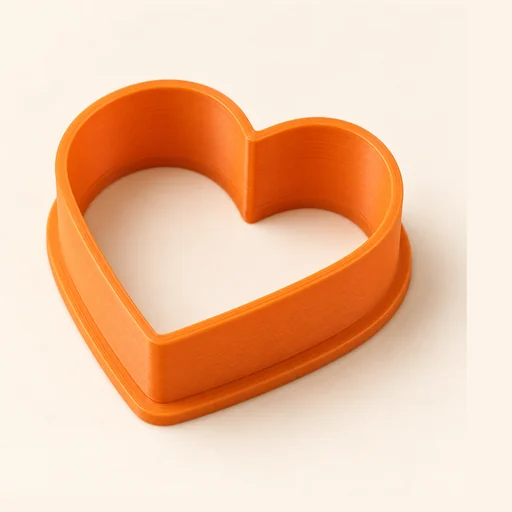 Cutter
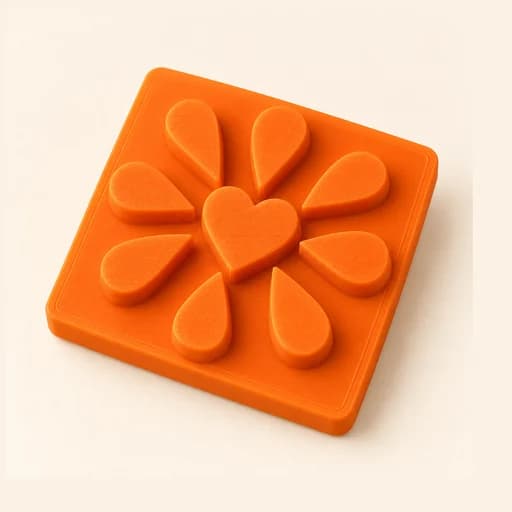 Embosser
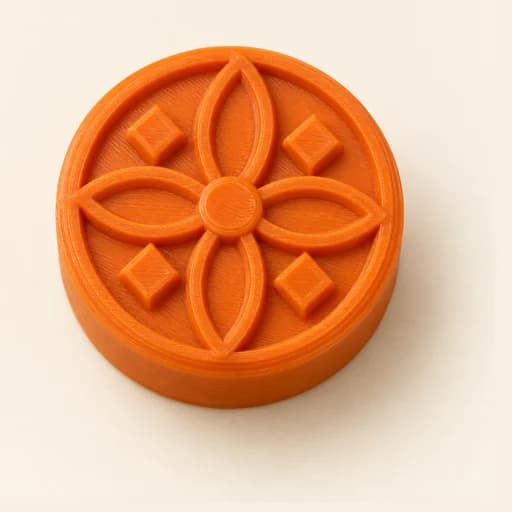 Stamp
Stamp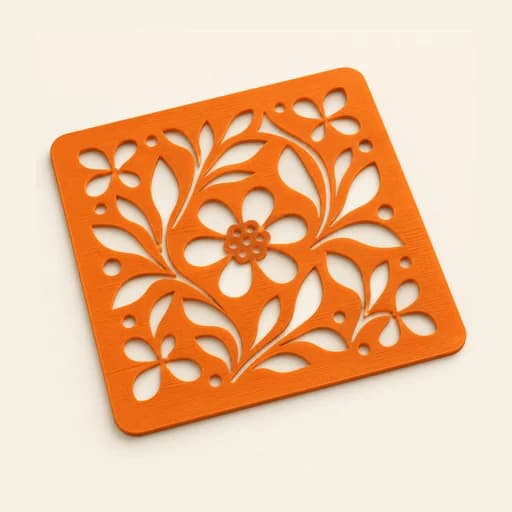 Stencil
 Cake Topper
 Word Mold
 Sandwich
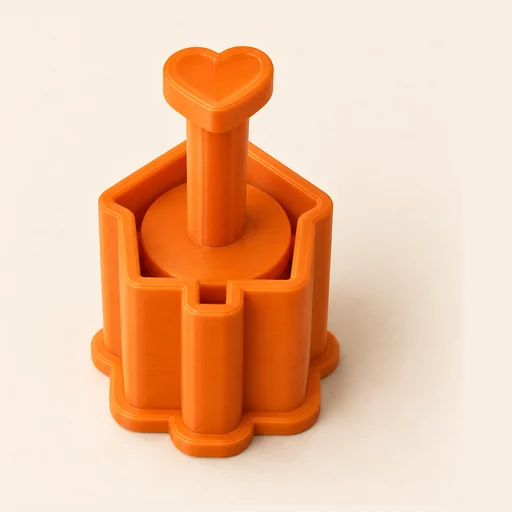 EjectorPro
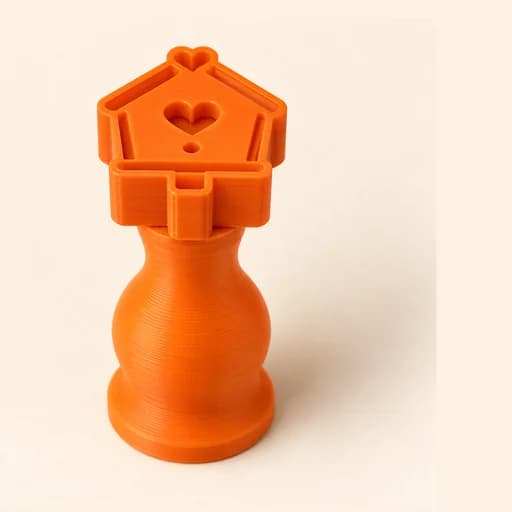 Truffle MoldPro
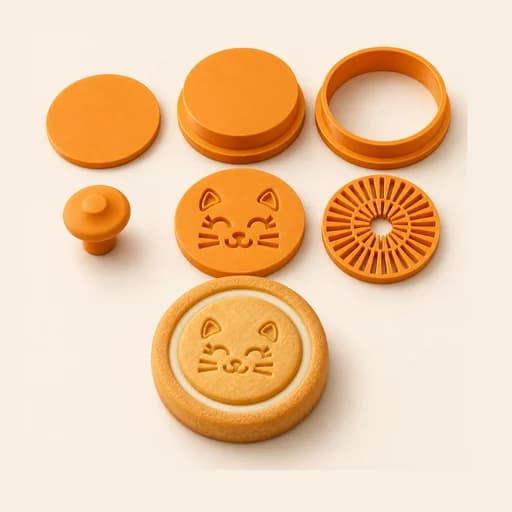 Filled KitPro
 Size setPro
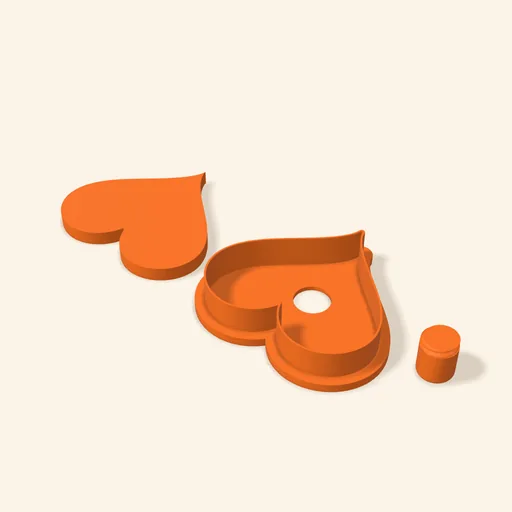 Cake Pop MoldPro
 Dough thickness stripsPro
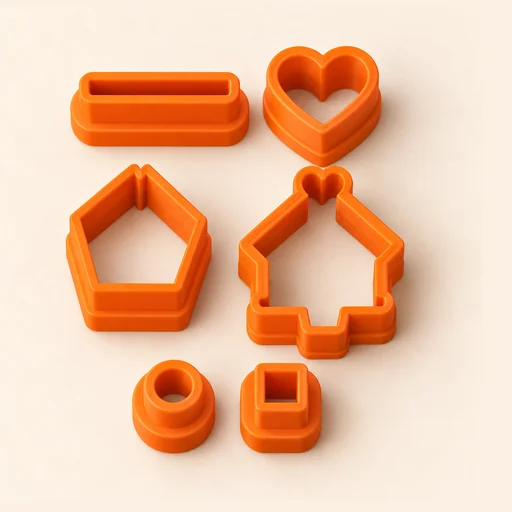 Multi-pieceStudio
 Multi-cutterStudio
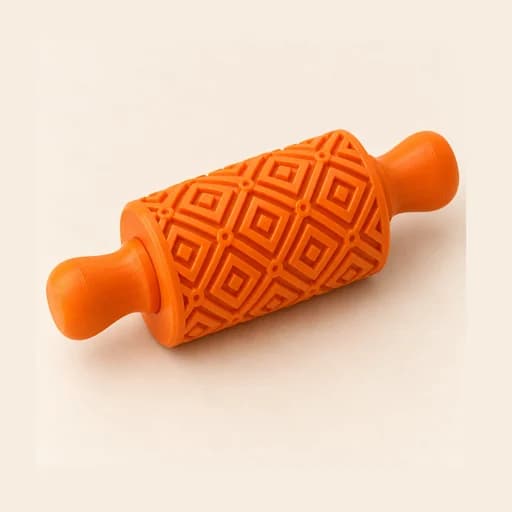 Texture RollerStudio
 Cake scraperStudio
Cutter + Stamp
Cut the cookie and imprint the details of your drawing with a single piece.
Open in the designer