Bakery#16Studio
Multi-cutter
Multiple shapes
Several different cutters on a single plate, so you can print them all at once.
Designing and previewing in 3D is free for every tool. A plan is only needed to download the ones marked Pro or Studio. See plans
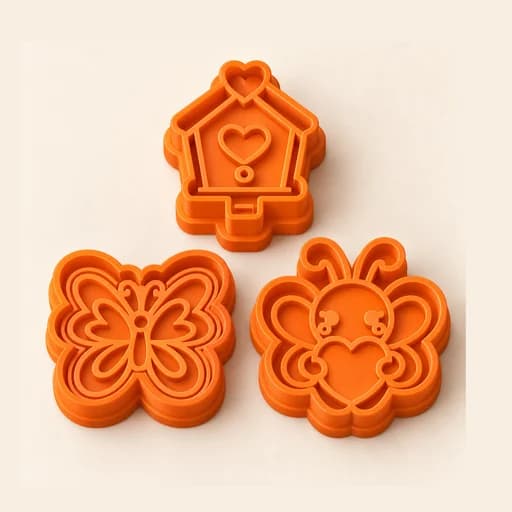
Step by step
How it works
Step by step, to the finished piece
Open "Manage designs" and upload one image for each cutter.
Adjust the size: the pieces arrange themselves on the plate.
Download a single STL with all the cutters.
Print everything together and use each cutter on its own.
What to watch out for
- Check that the whole plate fits on your printer's bed.
- The colours in the viewer only tell the pieces apart: everything prints in one filament.
What you need
Materials and tools
- A filament (FDM) 3D printer
- PETG filament, the one recommended for food contact
- One image for each shape in the set
- Cookie dough or fondant, rolled out and chilled
Bakery: other tools
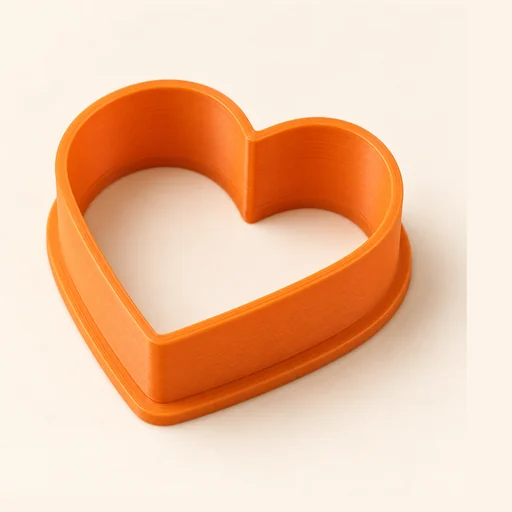 Cutter
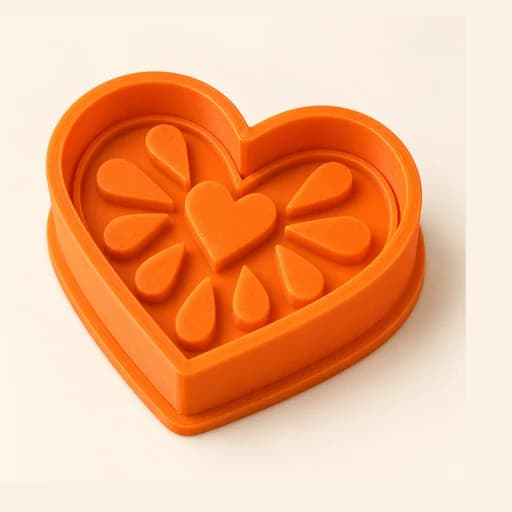 Cutter + Stamp
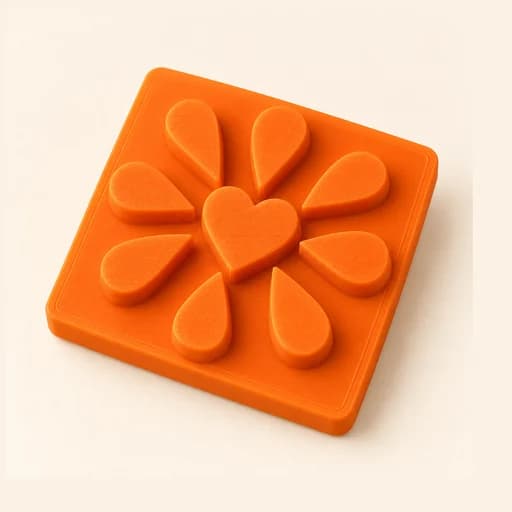 Embosser
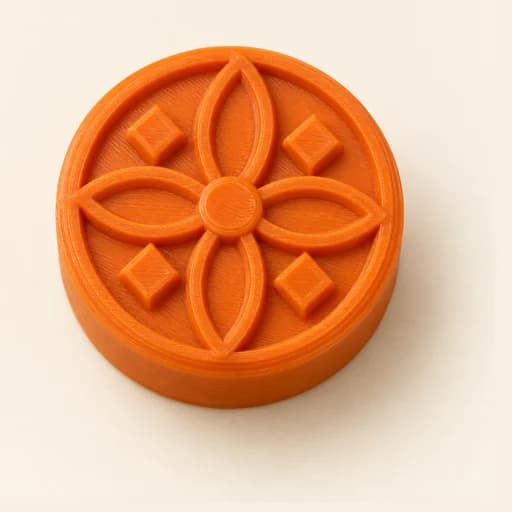 Stamp
Stamp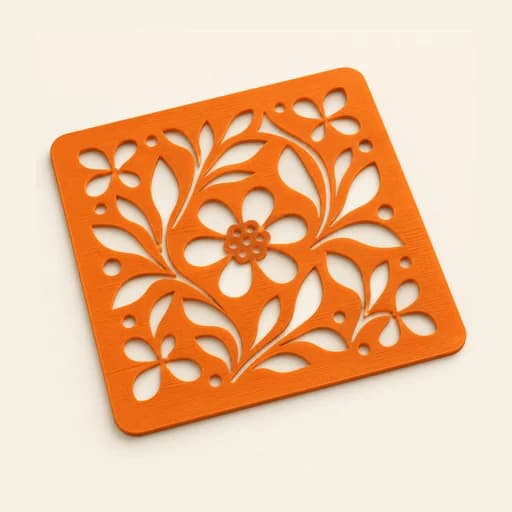 Stencil
 Cake Topper
 Word Mold
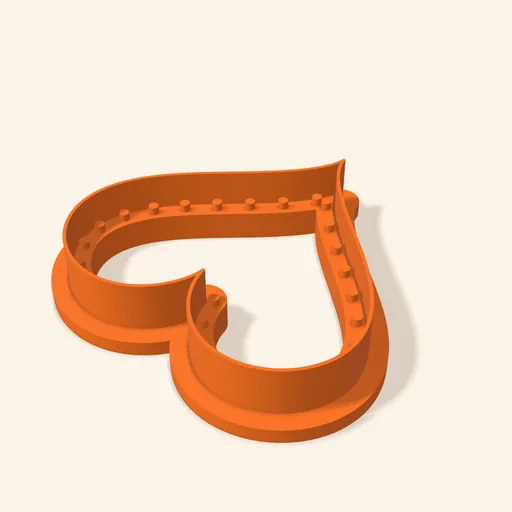 Sandwich
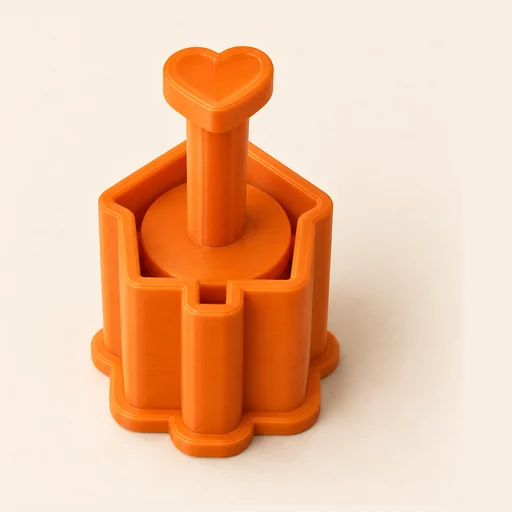 EjectorPro
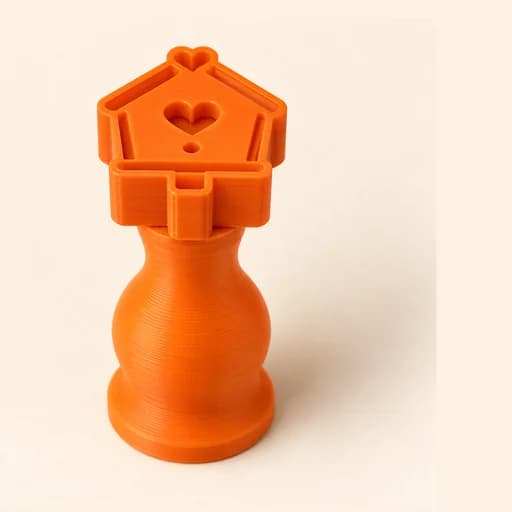 Truffle MoldPro
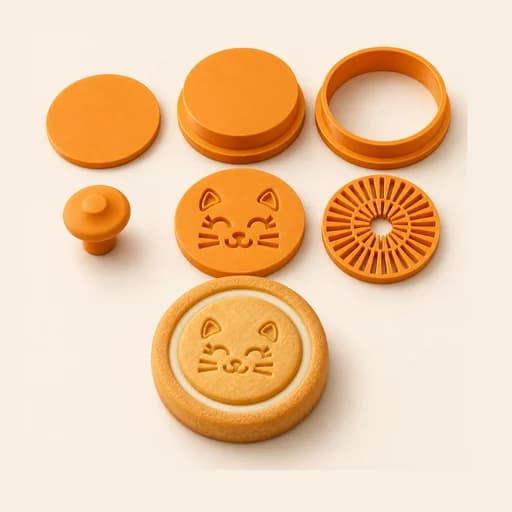 Filled KitPro
 Size setPro
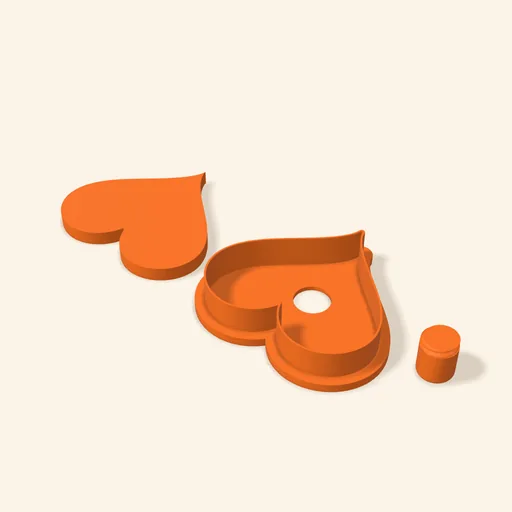 Cake Pop MoldPro
 Dough thickness stripsPro
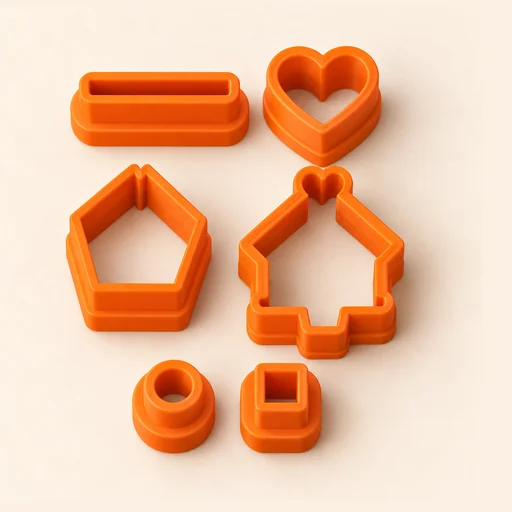 Multi-pieceStudio
 Texture RollerStudio
 Cake scraperStudio
Multi-cutter
Several different cutters on a single plate, so you can print them all at once.
Open in the designer