Bakery#08Free
Sandwich
Fun sandwich shapes
Cut and seal filled sandwiches in the shape of your drawing.

Step by step
How it works
Step by step, to the finished piece
Upload a simple, closed silhouette.
Adjust the size and the crimping dents of the sealer; the picture stamp is optional.
Download and print the pieces: cutter, sealer and stamp.
Cut the bread with the cutter, then press the sealer to close the edge.
What to watch out for
- Don't overfill it: the filling has to stay inside the sealed edge.
- Pick a shape smaller than the slice so you don't cut into the crust.
What you need
Materials and tools
- A filament (FDM) 3D printer
- PETG filament, the one recommended for food contact
- Sliced sandwich bread
- A filling that isn't too runny
Bakery: other tools
 Cutter
 Cutter + Stamp
 Embosser
 Stamp
Stamp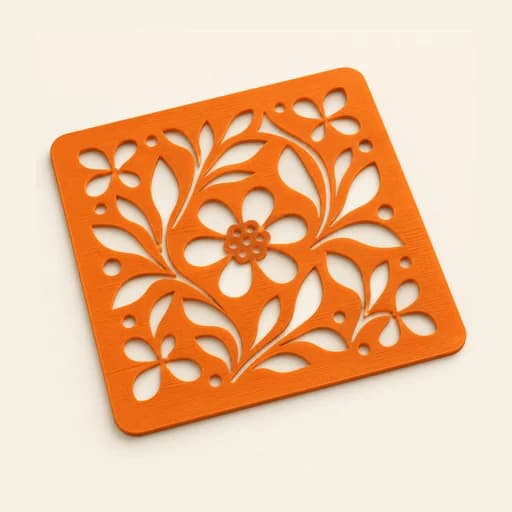 Stencil
 Cake Topper
 Word Mold
 EjectorPro
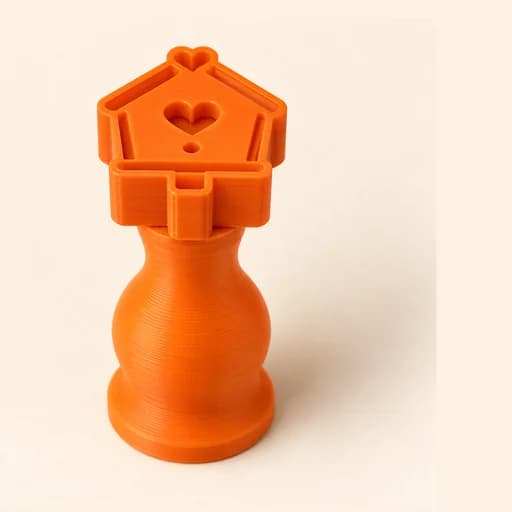 Truffle MoldPro
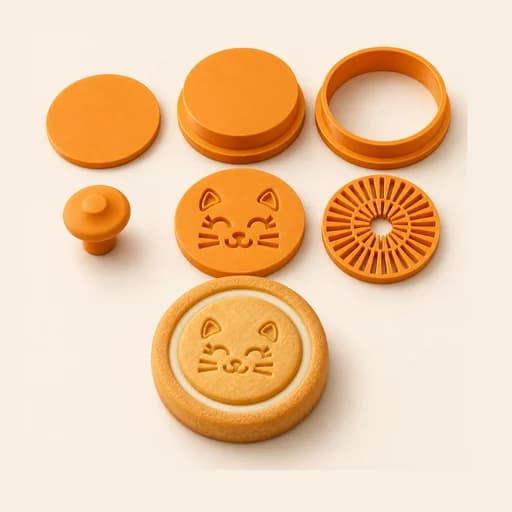 Filled KitPro
 Size setPro
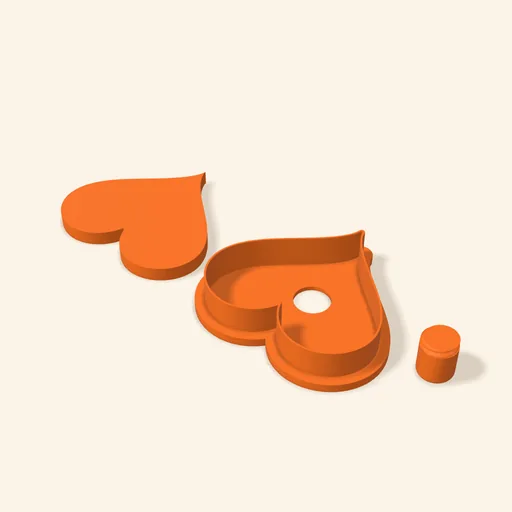 Cake Pop MoldPro
 Dough thickness stripsPro
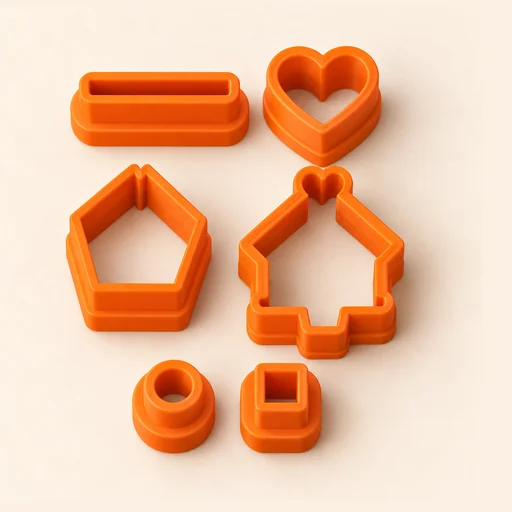 Multi-pieceStudio
 Multi-cutterStudio
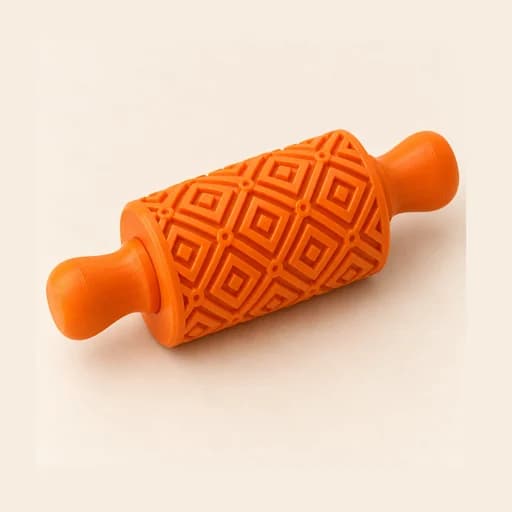 Texture RollerStudio
 Cake scraperStudio